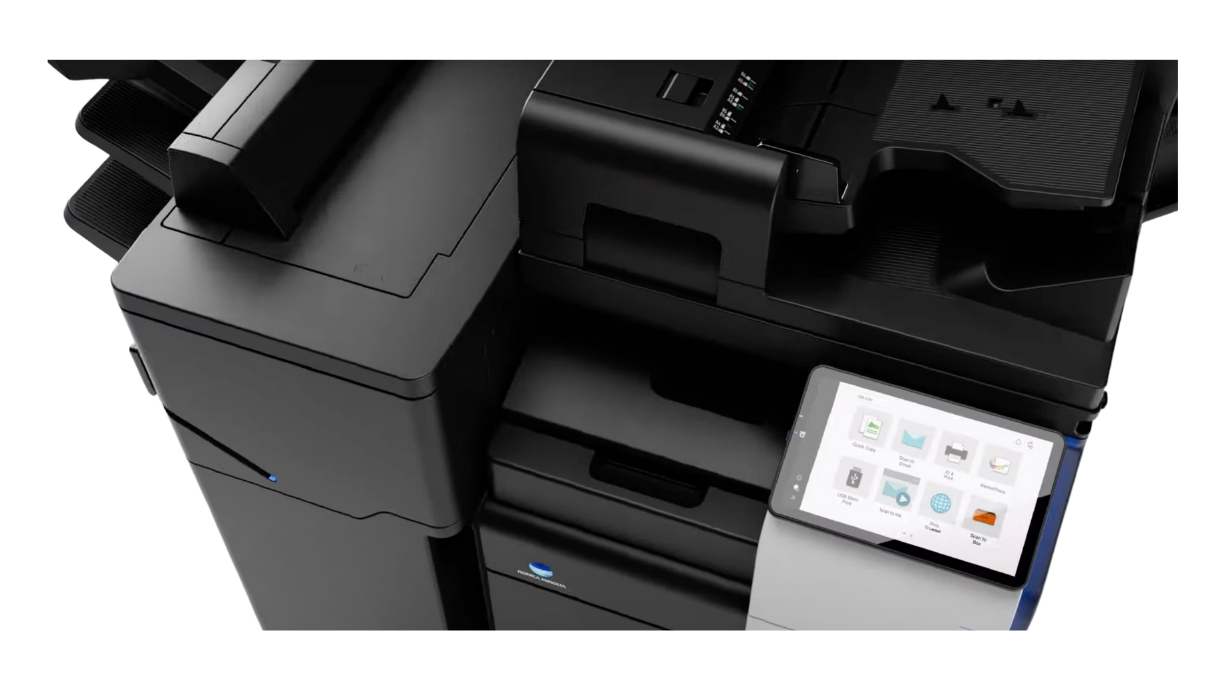
Running a medical office in Phoenix means managing a nonstop flow of paperwork—from patient intake forms and insurance cards to prescriptions and lab reports. A copier isn’t just about making copies; it’s about keeping your practice HIPAA-compliant, efficient, and ready to serve patients.
The right copier protects patient data, integrates seamlessly with your electronic medical records (EMR) system, and frees up staff to focus on what matters most: patient care.
Table of Contents
Top 5 Copier Features for Phoenix Medical Offices
Lease vs. Buy: Copier Options for Phoenix Healthcare Providers
Copier Security Checklist for Phoenix Medical Offices
Recommended Konica Minolta Copier Models for Phoenix Medical Offices
FAQs: Copiers for Phoenix Medical Practices
Conclusion: Make Your Phoenix Office Printer Lease Work for You

See How I Can Connect You with the Best Copier at an Affordable Price for Your Business
Increase Productivity - Replace a low-performing copier and help your business thrive.
Stay on Budget - Get affordable solutions for your printing and copying needs.
Lean on Our Experience—With over thirty years in the industry, we know which copiers work best for Arizona businesses and organizations.
Top 5 Copier Features for Phoenix Medical Offices
🔐 HIPAA-Compliant Security – Encryption, secure print release, and user authentication prevent unauthorized access to sensitive data.
📑 EMR/EHR Integration – Directly scan patient forms, prescriptions, and lab results into electronic records without extra steps.
⏩ High-Speed Duplex Scanning – Process dozens of documents quickly to keep patient flow moving smoothly.
📍 Local Reliability & Service – Phoenix-based support ensures downtime is minimized when repairs are needed.
💰 Cost Control Options – Leasing a copier in Phoenix offers predictable monthly payments to help practices manage budgets effectively.
Together, these features give Phoenix medical offices the confidence that their copier is more than just office equipment—it’s a secure, reliable tool that supports compliance, streamlines daily tasks, and keeps patient care moving forward. By choosing a copier designed for healthcare workflows, your staff can focus on patients while knowing the paperwork is handled efficiently and securely.
Our Happy Customers Speak for Themselves
Our company has been very satisfied with the service provided by CMYK Solutions on previous occasions. Always professional, excellent quality, fast and affordable, and great communication.
Lease vs. Buy: Copier Options for Phoenix Healthcare Providers
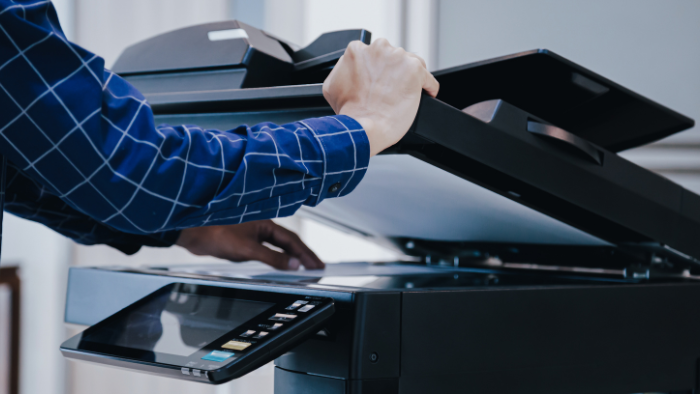
Buying a copier makes sense for offices with stable budgets and a long-term plan, but the high upfront cost and responsibility for repairs make it a less flexible option.
When you lease, you keep your practice agile, protect your cash flow, and ensure you always have access to secure, up-to-date equipment that supports HIPAA compliance and patient care.
Here is a table that outlines the pros and cons of leasing vs. buying a copier for your medical office:
| Option | Pros | Cons | Best For |
|---|---|---|---|
| Lease | Lower upfront cost, service included, easier upgrades | Higher long-term cost, contract terms | Practices that want predictable costs and easy upgrades |
| Buy | Ownership, no monthly fee, choose your own service | High upfront cost, responsible for repairs, tech becomes outdated | Offices with stable budgets and long-term plans |
Copier Security Checklist for Phoenix Medical Offices
✅ Encryption:
Confirm that the copier encrypts every scanned and printed document. Encryption prevents unauthorized users from intercepting or accessing patient data.
✅ Secure Print Release:
Choose a copier that requires a PIN code or ID badge to release jobs. This simple feature keeps sensitive information from sitting on the output tray.
✅ Automatic Data Overwrite:
Protect against data theft by ensuring the copier automatically erases stored files after each job. Without this, old patient records may linger on the hard drive.
✅ EMR/EHR Integration:
Make sure your copier integrates seamlessly with your electronic medical records system. Direct scanning into EMRs reduces errors, speeds up workflows, and eliminates the risk of misplaced files.
✅ Local Service in Phoenix:
Even the most advanced copier needs maintenance. Confirm that you’ll have reliable, Phoenix-based support to minimize downtime and keep compliance intact.
Why all of this matters: Medical offices face some of the strictest privacy standards in any industry. A copier that doesn’t meet these requirements isn’t just inconvenient. Avoid the risk of fines, security breaches, and patient mistrust.
Use this checklist as a starting point, and let us help you evaluate copier options that keep your Phoenix medical office secure and compliant. Contact us and we will be happy to walk you through all of the options.
Recommended Konica Minolta Copier Models for Phoenix Medical Offices
Konica Minolta offers HIPAA-ready copiers that balance security, speed, and reliability. Here’s how the top models fit different practice sizes:
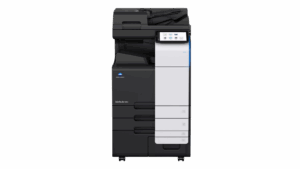
BizHub C300i
Small practices
Compact, quiet, HIPAA-secure
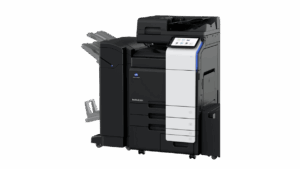
BizHub C360i
Mid-sized offices
Fast duplex scanning, EMR/EHR integration
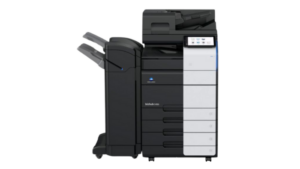
BizHub C450i
Busy clinics
High volume, advanced authentication
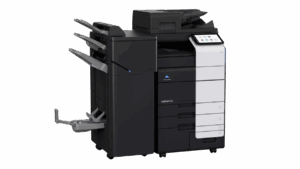
BizHub C550i
Large volume
Maximum speed + strongest data protection
Each Konica Minolta copier gives Phoenix medical offices the tools to manage sensitive documents confidently while supporting efficient workflows.
Contact our team today and we will provide you with a recommendation for the best option based on your needs.
FAQs: Copiers for Phoenix Medical Practices
How do copiers support HIPAA compliance?
Can a copier integrate with my medical office EMR and EHR system?
Which copier is best for small offices?
The BizHub C300i is compact, quiet, and secure—perfect for front-desk areas in smaller practices.
What’s the average lease cost for a copier in Phoenix?
Most medical offices pay between $159 and $189 per month, depending on the copier model and service plan. Click here to learn more about lease costs.
Should I lease or buy a copier?
👉 Click here to read more about the pros and cons of leasing vs. buying.
Ready to Get Your Copier?
Conclusion: Make Your Phoenix Medical Office Copier Lease Work for You

In a Phoenix medical office, the copier drives compliance, efficiency, and patient service. Staff rely on it to scan insurance cards directly into EMR systems, protect sensitive health information with built-in security, and move paperwork quickly. A secure, reliable copier does more than reduce risk; it gives your team the confidence to focus fully on patient care.
Every practice has different needs, and the right copier should match your workflow. A compact model works well for front-desk tasks where space is limited. A high-capacity machine supports busy clinics with multiple providers and high document volumes. Talk with us and we will guide you to choose the equipment that fits your daily demands, supports HIPAA compliance, and keeps your medical office operations running smoothly.
Contact us today to explore copier solutions designed for Phoenix medical offices and take the first step toward smoother workflows and better patient experiences.